
Build fresh mixes from the music you actually own.
Rediscover forgotten tracks, create personalised LibraryMix Radio playlists and explore the Music library you have built over the years.
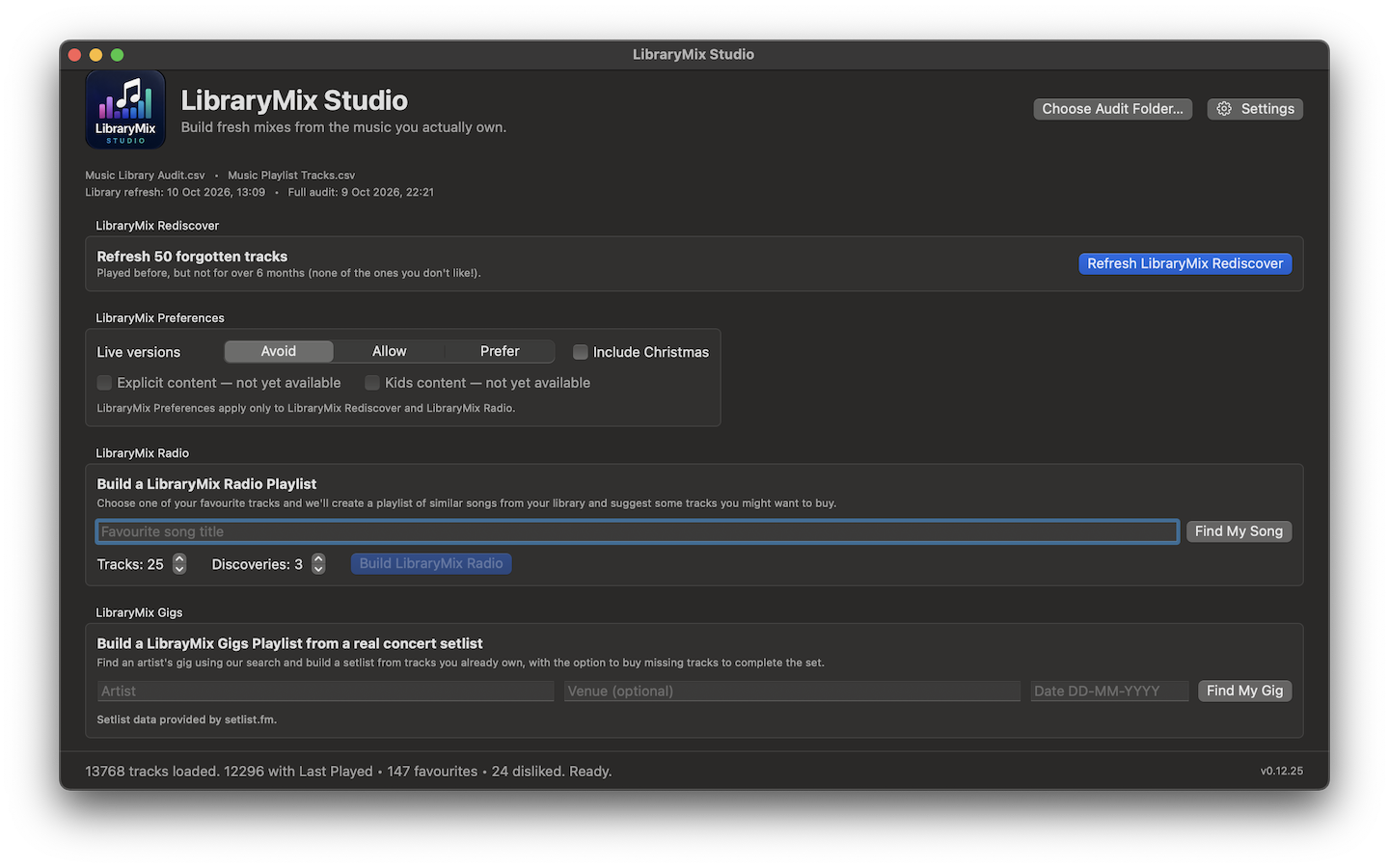
Start with one song. Hear your library differently.
Choose a track you already own and LibraryMix builds a fresh mix around it using your library, listening history and preferences.
Choose the exact track
LibraryMix searches your own collection first, so you can pick the precise recording you mean rather than starting from a generic streaming profile.
- Your own tracks remain at the centre of the mix
- Preferences can avoid or prefer live versions
- Optional discovery suggestions can point to music you may want to buy
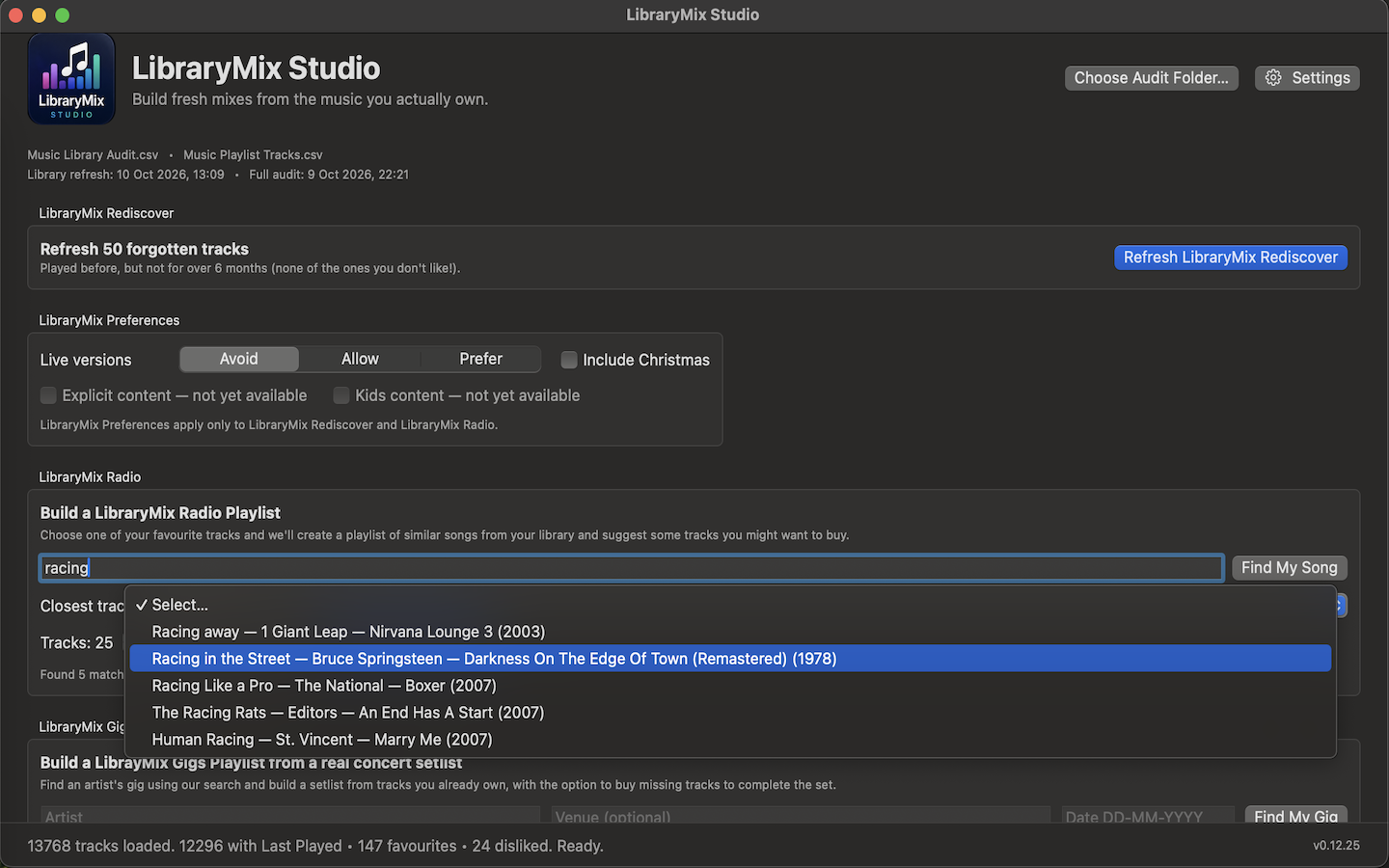
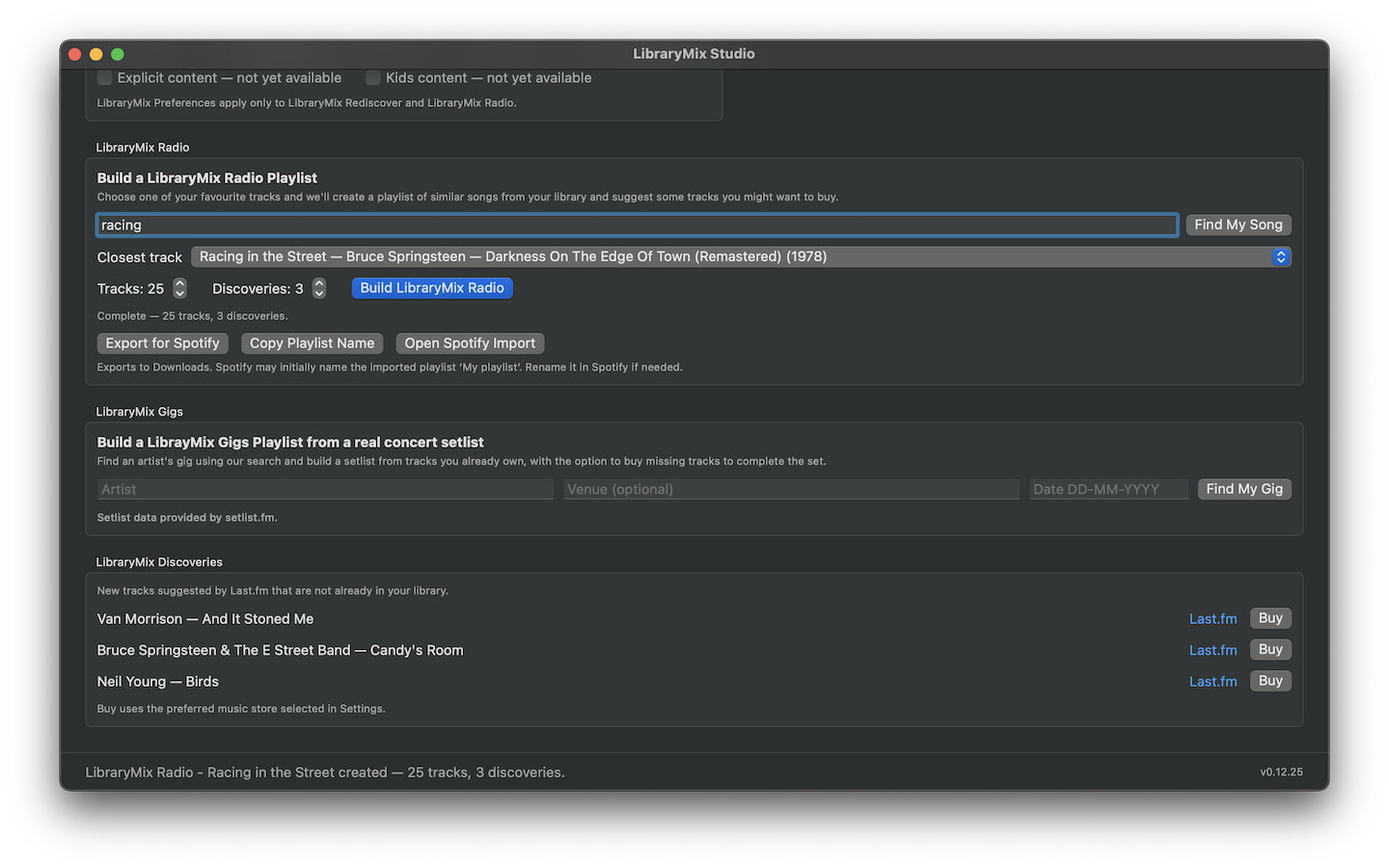
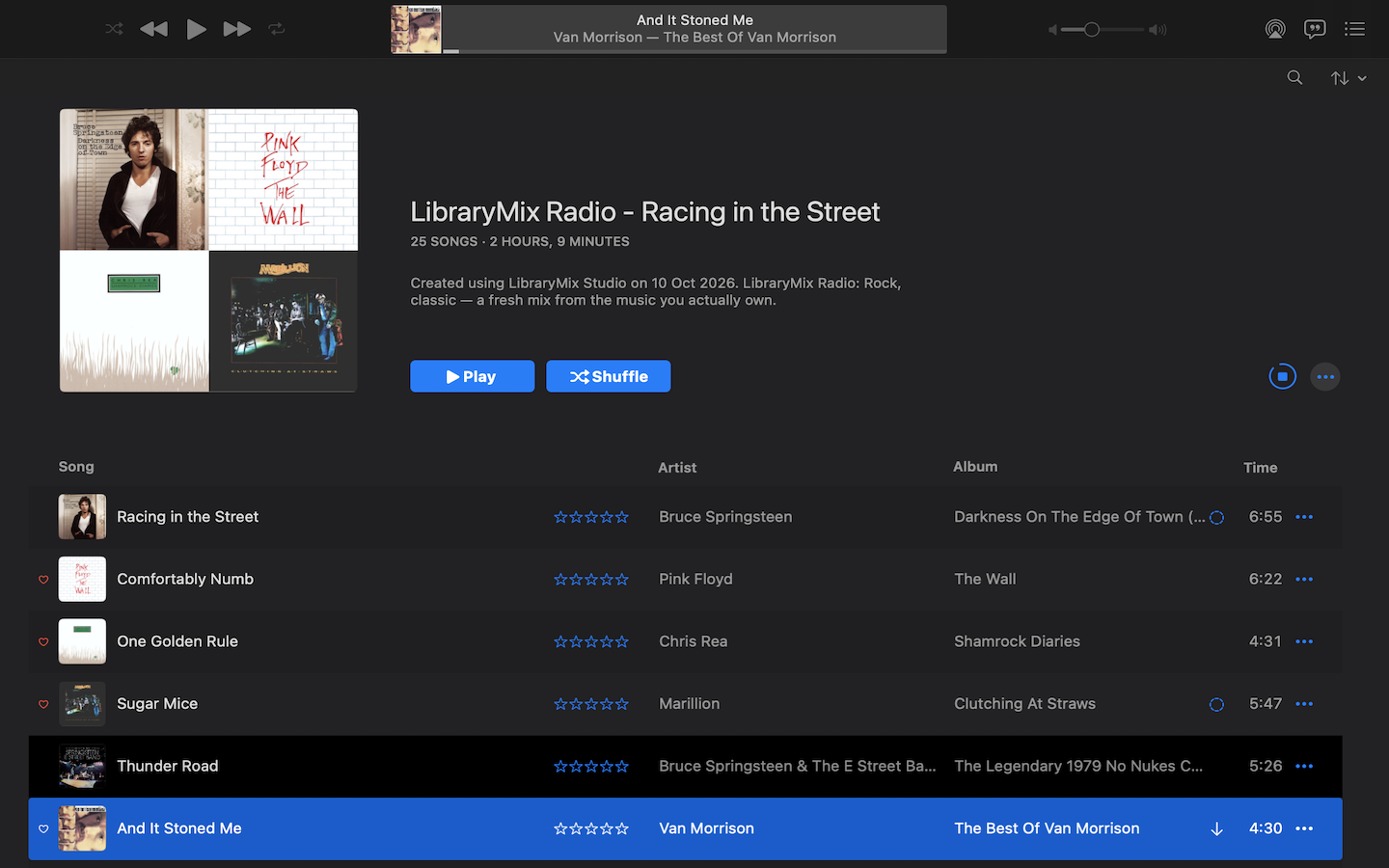
Bring forgotten music back into rotation.
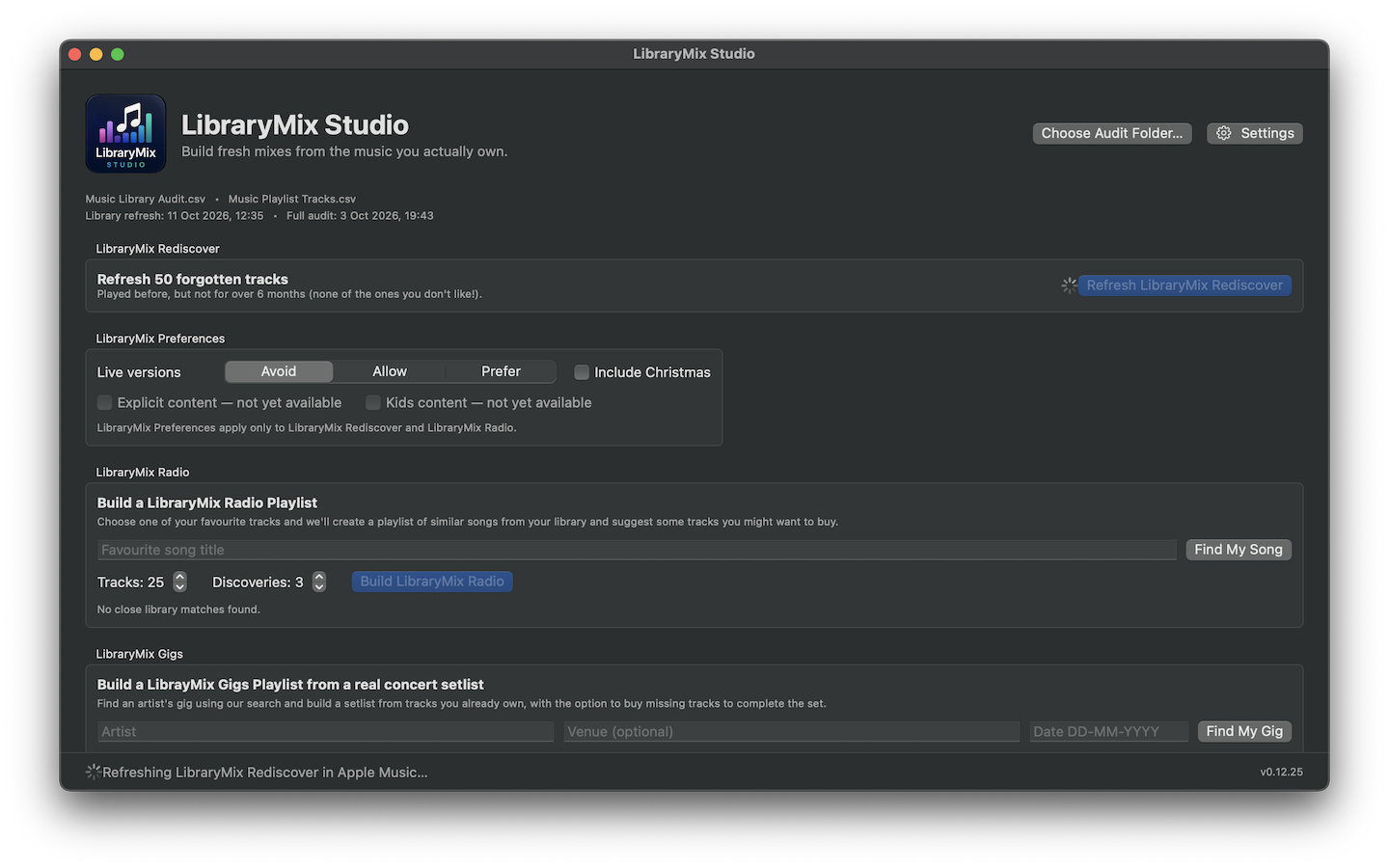
Rediscover finds tracks you have played before but have not heard for more than six months, while respecting the preferences you set in LibraryMix.
A playlist designed to be refreshed
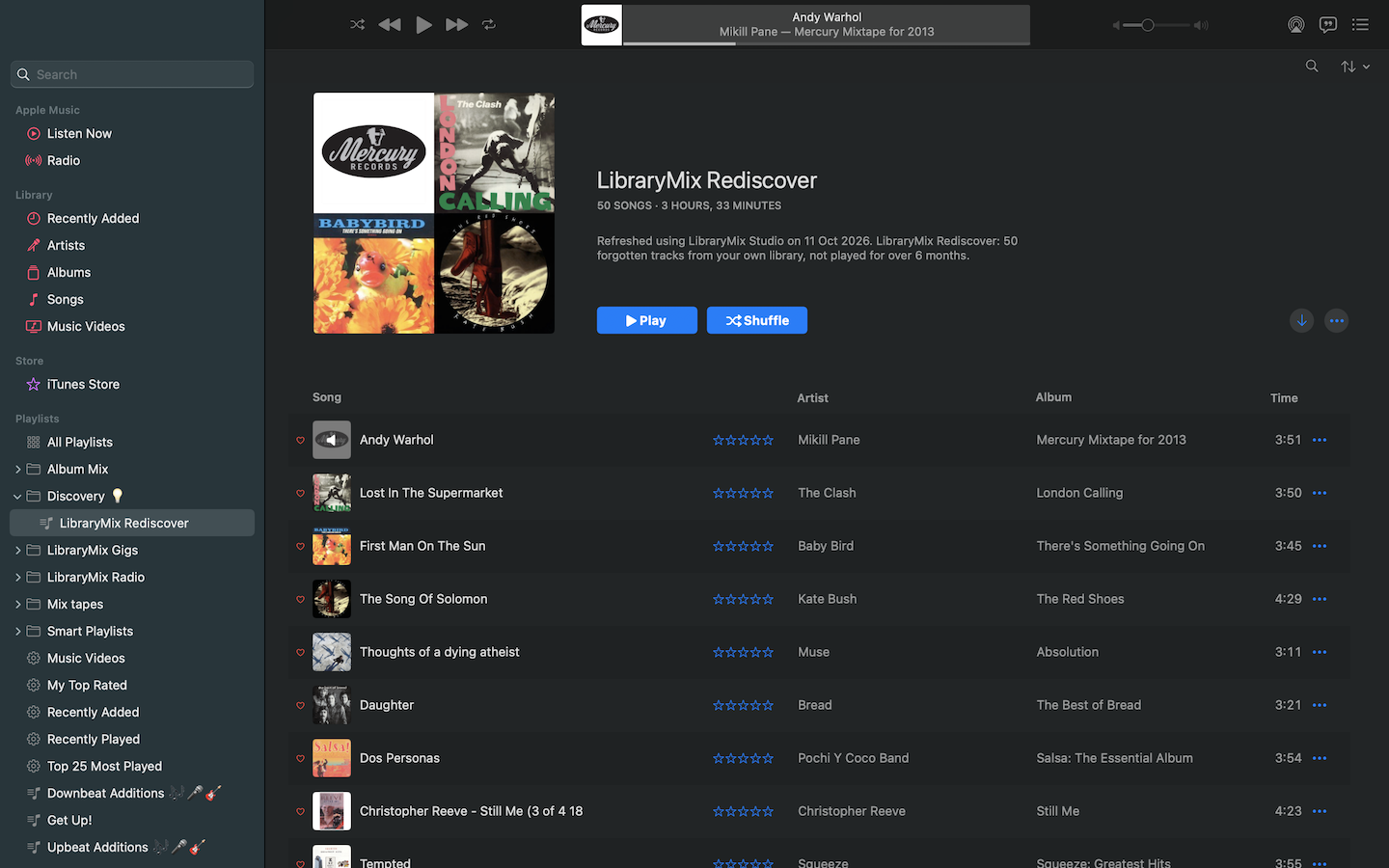
Rediscover is a living mix rather than a one-off archive. Refresh it and LibraryMix selects another set of forgotten tracks from your collection.
- 50 forgotten tracks at a time
- Uses your Music library's Last Played history
- Refreshes the same LibraryMix Rediscover playlist
Your collection stays the product.
LibraryMix works with the Music library already on your Mac. It creates standard playlists rather than replacing your library or moving your music.
Music on your Mac
LibraryMix reads the metadata and listening history already present in Music, including Last Played, favourites and playlist relationships.
Apple devices
LibraryMix creates ordinary Music playlists, so they can remain available across your Apple devices where your Music setup supports syncing.
Spotify export
Completed Radio playlists can be exported for import into Spotify when you want the same mix there too.
Help shape LibraryMix Studio.
The next external beta is being prepared now. TestFlight will be the main route on supported Macs, with a direct-download route planned for older supported versions of macOS.